Passwords are polite suggestions. Certificates are proof.
If you’re still authenticating VPN users with usernames and shared secrets, you’re relying on a model that assumes people behave perfectly, systems never leak, and attackers get bored easily. None of that is true.
Certificate-based VPN authentication flips the trust model. Instead of knowing something, a device must possess something cryptographically verifiable. That difference is why enterprises, governments, and serious infrastructure rely on certificates—not because they’re fancy, but because they fail less often.
This guide shows you how certificate-based VPN authentication actually works, why it’s harder to misuse, and how to set it up without drowning in PKI jargon.
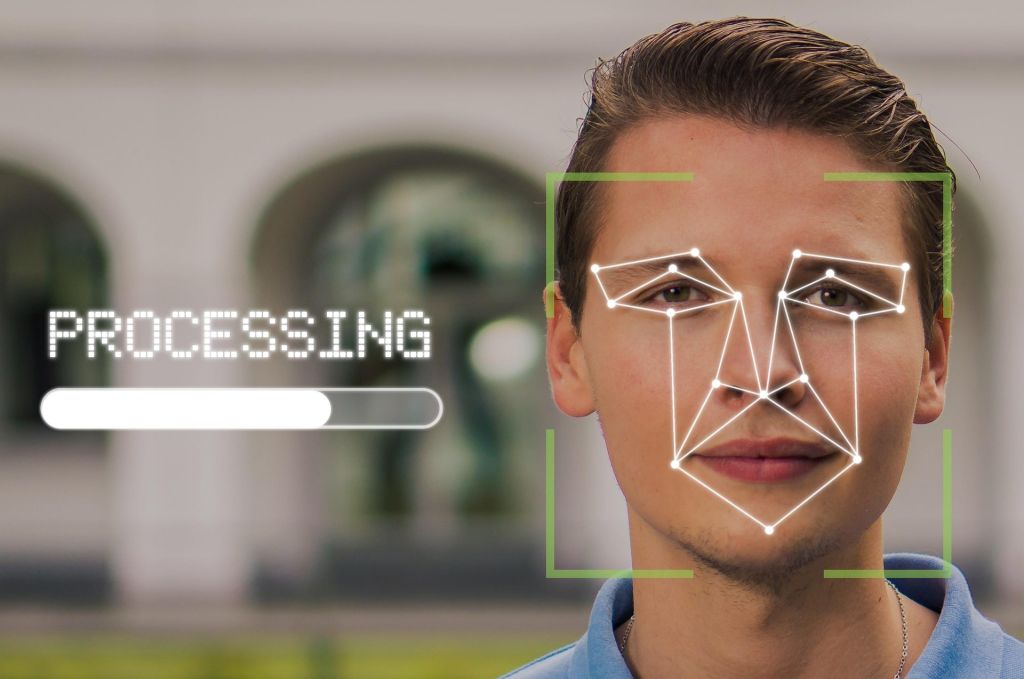
Image Credit: Pixabay under Creative Commons
The Core Idea (Strip Everything Else Away)
Certificate-based authentication answers one question:
“Can this device prove it is who it claims to be?”
Not with a password.
Not with a token you can type.
With a cryptographic identity signed by a trusted authority.
If the proof checks out, access is granted. If not, the connection dies quietly.
No guessing. No retries. No brute force.
Why Password-Based VPN Access Breaks Down
Let’s be honest about passwords in VPNs.
They fail because:
-
They’re reused
-
They’re phished
-
They’re logged accidentally
-
They’re shared “temporarily”
-
They’re stored insecurely somewhere upstream
Even when paired with MFA, passwords remain a weak link—especially for always-on infrastructure like VPNs.
Certificates remove that entire category of failure.
What a Certificate Actually Is (Without the Ceremony)
A certificate is just a signed statement that says:
“This public key belongs to this entity, and I vouch for it.”
That’s it.
It contains:
-
A public key
-
An identity (user, device, or service)
-
An expiration date
-
A digital signature from a trusted authority
The private key never leaves the device. That’s the whole point.
The Trust Chain (Why Certificates Work at Scale)
Certificate-based systems rely on a simple hierarchy:
-
Certificate Authority (CA)
The root of trust. Signs everything else. -
Server Certificate
Proves the VPN server is legitimate. -
Client Certificates
Prove each connecting device is authorized.
If a certificate isn’t signed by the trusted CA—or is expired or revoked—the connection fails immediately.
No negotiation. No fallback.
What Certificate-Based VPN Authentication Solves Well
This approach shines in situations where:
-
Devices outnumber users
-
Access needs to be revocable instantly
-
Shared credentials are unacceptable
-
Auditing matters
-
Zero-trust principles apply
It’s especially effective for:
-
Remote teams
-
Contractors
-
Always-on site-to-site tunnels
-
Embedded devices
-
High-risk environments
What It Doesn’t Solve (Important Reality Check)
Certificates don’t:
-
Encrypt traffic by themselves
-
Replace VPN protocols
-
Protect compromised endpoints
-
Prevent malware
-
Make users anonymous
They solve authentication, not everything else.
The Components You’ll Need (Minimal and Honest)
Before touching configs, gather these:
-
A VPN server that supports certificate auth
-
OpenSSL or equivalent tooling
-
A secure place to store CA keys
-
A process for issuing and revoking certificates
-
Patience for one careful setup
Once configured, certificates reduce ongoing work—not increase it.
Step 1: Create Your Own Certificate Authority (CA)
You should not rely on public CAs for VPN authentication.
Why?
-
You need full control
-
You need revocation authority
-
You don’t want external dependencies
Generate the CA Private Key
Protect this file aggressively. If this key is compromised, everything below it is compromised.
Create the CA Certificate
This certificate becomes the root of trust for your VPN.
Step 2: Issue a Server Certificate
The VPN server must prove it’s legitimate before clients authenticate.
Generate Server Key
Create Certificate Signing Request (CSR)
Sign the Server Certificate
This binds the server’s identity to your CA.
Step 3: Issue Client Certificates (One Per Device)
This is where the security payoff happens.
Generate Client Key
Create Client CSR
Sign the Client Certificate
Each device gets:
-
Its own private key
-
Its own certificate
-
Its own revocation path
No sharing. Ever.
Step 4: Configure the VPN Server to Require Certificates
Your VPN server must be told explicitly:
-
Which CA to trust
-
Which certificate it should present
-
That clients must present valid certificates
In practice, this means:
-
Enabling mutual TLS
-
Disabling password-only auth
-
Rejecting clients without certificates
Once enabled, password guessing becomes irrelevant.
Step 5: Configure the Client (The Quiet Part)
A properly configured client needs:
-
Its private key
-
Its certificate
-
The CA certificate
Nothing else.
When the client connects:
-
Server presents its certificate
-
Client verifies the server
-
Client presents its certificate
-
Server verifies the client
-
Tunnel is established
If any step fails, nothing connects.
Certificate Revocation: The Hidden Superpower
This is where certificates outperform passwords decisively.
If a device is lost or compromised:
-
You revoke its certificate
-
That device is locked out instantly
-
No other user is affected
Create a Certificate Revocation List (CRL)
The VPN server checks this list before accepting connections.
One command. One device removed.
Expiration Is a Feature, Not a Hassle
Certificates expire by design.
This:
-
Forces rotation
-
Limits damage from forgotten credentials
-
Encourages hygiene
-
Prevents permanent access creep
Set reasonable lifetimes:
-
Shorter for laptops
-
Longer for servers
-
Always shorter than “forever”
Common Mistakes That Undermine Certificate Security
Seen repeatedly:
-
Sharing client certificates
-
Leaving CA keys on the VPN server
-
Forgetting revocation entirely
-
Using extremely long certificate lifetimes
-
Falling back to passwords “temporarily”
Temporary shortcuts become permanent liabilities.
Operational Discipline (Where Most Fail)
Certificate systems don’t fail cryptographically. They fail operationally.
Good habits:
-
Maintain an issuance log
-
Track which certificate belongs to which device
-
Revoke immediately when needed
-
Back up CA keys securely (offline)
-
Automate renewal where possible
Certificates reward structure.
A Short Scenario That Shows the Difference
A contractor leaves a company.
Password-based VPN:
-
Change shared password
-
Notify everyone
-
Hope nothing was reused elsewhere
Certificate-based VPN:
-
Revoke one certificate
-
Done
That asymmetry is the entire argument.
When Certificate-Based Authentication Is Overkill
It’s okay to admit this.
For:
-
One-off personal VPNs
-
Temporary setups
-
Non-critical access
Certificates may be more work than necessary.
Use them where identity matters more than convenience.
Reframing the Question Entirely
Don’t ask:
“Is certificate-based authentication more secure?”
Ask:
“How many ways can this access method fail silently?”
Certificates eliminate entire failure classes. That’s why they last.
What You Should Walk Away With
-
Certificates replace trust with proof
-
Each device becomes uniquely identifiable
-
Revocation is clean and immediate
-
Operational discipline matters more than crypto strength
-
Passwords don’t belong in serious VPN authentication
Closing Perspective
Certificate-based VPN authentication isn’t about sophistication. It’s about certainty.
When a device connects, you know exactly why it’s allowed—and exactly how to stop it if needed. No guessing. No shared secrets. No drama.
If you’re building VPN access you expect to scale, survive turnover, or face real scrutiny, certificates aren’t an upgrade.
They’re the baseline.