
VPN Server Locations Explained: Does Choosing a Nearby Server Really Matter?
Image Credit: Unsplash under Creative Commons
When you boot up a virtual private network application, you are usually greeted with a massive list of countries, cities, and server nodes. You might click the fastest available option out of habit, or you might intentionally pick a server on the other side of the planet. But what is actually happening behind the scenes? Does the physical distance between your device and the VPN server truly matter?
The short answer is yes. Distance is the single most important physical factor in determining your connection speed and latency. However, the complete answer depends entirely on what you are trying to accomplish online. Whether you are aiming to protect your privacy on a public Wi-Fi network, stream a movie from a foreign library, or secure a competitive advantage in a multiplayer game, your choice of server location dictates how well your VPN performs.
The Physics of VPN Server Distance
To understand why distance matters, you have to look at how data travels across the internet. Even on top-tier fiber-optic networks, data is bound by the laws of physics. It takes time for electrical signals and light pulses to travel through cables.
When you browse the web without a VPN, your data travels from your device to your internet service provider, and then directly to the website’s host server. When you introduce a VPN into this equation, you are adding an intentional detour. Your data goes from your device, to your internet service provider, to the VPN server, and finally to the destination website. The response from the website has to make that exact same trip in reverse.
If you live in Chicago and connect to a server in London, your data is crossing the Atlantic Ocean twice for every single action you take. This creates a noticeable delay known as latency, often referred to as ping. Every extra mile your data travels increases the time it takes for a web page to load or a video to begin buffering.
Furthermore, data rarely travels in a straight line. It bounces across multiple routing points, known as hops, to reach its destination. A server located 5,000 miles away requires significantly more hops than a server located 50 miles away. More hops increase the likelihood of packet loss, where tiny fragments of your data fail to reach their destination and must be retransmitted, slowing down your connection even further. Combine this physical distance with the computational time required to encrypt and decrypt your traffic, and you can see why connecting to a distant server often results in sluggish performance.
When Choosing a Nearby VPN Server is Essential
If your primary goal is maintaining a fast, responsive internet connection while keeping your data encrypted, proximity is your best friend. Connecting to a server in your own city or a neighboring state minimizes the physical distance your data has to travel.
High-Speed Browsing and Large Downloads
For general day-to-day internet use, choosing the closest possible server is the smartest move. When you connect locally, the detour your data takes is incredibly short. A high-quality VPN running on a modern protocol like WireGuard or Lightway connected to a local server will typically retain over 90 percent of your baseline internet speed.
If you are downloading massive files, syncing large folders to cloud storage, or updating software, you need maximum bandwidth. Distance degrades bandwidth. By keeping the server close, you ensure that your download finishes in minutes rather than hours, all while hiding your activity from your internet service provider.
Competitive Online Gaming
In the world of online gaming, bandwidth is surprisingly irrelevant, but latency is everything. Multiplayer games only send tiny packets of data back and forth—mostly positional coordinates and input commands. However, those packets need to arrive instantly.
If you play a fast-paced shooter while connected to a VPN server halfway across the world, your ping will skyrocket. You will experience rubber-banding, delayed hit registration, and frequent disconnects. If you want to use a VPN to protect yourself from DDoS attacks or to bypass a strict NAT type while gaming, you must choose a server that is geographically close to both you and the game’s official servers.
Accessing Local Accounts While Secured
Many people use VPNs to secure their traffic on untrusted public Wi-Fi networks at coffee shops, airports, or hotels. In these scenarios, you want the protection of encryption without changing your digital identity entirely.
If you live in New York and use a local coffee shop’s Wi-Fi, routing your traffic through a server in Tokyo might seem harmless until you try to check your bank balance. Financial institutions use automated security systems that monitor IP address locations to prevent fraud. Logging into your local bank from a foreign IP address is a massive red flag that will likely result in a frozen account. By choosing a local server, you secure your connection against local snoops without triggering automated fraud alerts.
When You Should Ignore Distance Completely
While physical proximity guarantees speed, speed is not always the primary reason people use a virtual private network. In many cases, the specific location of the server is vastly more important than how fast the connection runs.
Bypassing Geo-Restrictions and Censorship
The internet is heavily compartmentalized. Governments block specific websites, social media platforms, and news outlets. Workplaces and universities restrict access to entertainment sites. If you are trying to access information that is blocked in your physical location, connecting to a local server will not help you.
To bypass regional censorship, you have to connect to a server in a country where that content is freely available. Your internet traffic assumes the IP address of the VPN server, making it appear as though you are physically located in that server’s country. The resulting drop in speed is a necessary trade-off for restoring access to the open web.
Accessing Specific Regional Streaming Libraries
Streaming services like Netflix, Hulu, and Amazon Prime Video offer drastically different content libraries depending on the country you are in. This is due to complex international licensing agreements. If you want to watch a show that is only available on the Japanese version of Netflix, you have no choice but to connect to a server in Japan.
Streaming relies on an interesting technical quirk: it requires high bandwidth but can tolerate high latency. When you first click play on a video while connected to a distant server, it might take a few seconds longer to buffer because of the latency. However, once the video starts, as long as the server has enough bandwidth to sustain the stream, you can watch in high definition without interruption. Therefore, distance matters less for streaming than it does for interactive tasks like gaming or browsing.
Avoiding Price Discrimination
Airlines, rental car agencies, and software companies frequently alter their prices based on the geographic location of the buyer. A flight booked from an IP address in a wealthy nation might cost significantly more than the exact same flight booked from a lower-income country.
Shoppers frequently use VPNs to digitally relocate themselves to different regions to compare prices. In these instances, latency and bandwidth are completely irrelevant. The only thing that matters is the regional IP address the server provides, allowing you to bypass digital borders and secure a better deal.
The Intersection of Server Location and Privacy
A common misunderstanding in cybersecurity circles is the relationship between server distance and anonymity. Many users assume that bouncing their traffic through a server on another continent makes them harder to track. From a technical standpoint, this is fundamentally false.
Your IP address is simply a routing number. To the websites you visit, an IP address originating from a VPN server in your hometown masks your true identity exactly as effectively as an IP address from Switzerland. The website only sees the VPN server; it does not see you.
However, the physical location of the server does dictate which jurisdiction’s laws apply to the hardware. Different countries have different data retention laws and intelligence-sharing agreements. For example, the United States, the United Kingdom, Canada, Australia, and New Zealand form an intelligence alliance known as the Five Eyes. Governments in these countries can theoretically subpoena servers located within their borders.
If you are using a reputable VPN provider that strictly enforces a zero-logs policy and utilizes RAM-only servers, the jurisdiction of the server matters very little. Even if authorities seize the physical server, there is no hard drive containing user data to extract. But for journalists, activists, or highly cautious users operating under extreme threat models, selecting a server in a privacy-friendly jurisdiction—such as Panama, the British Virgin Islands, or Switzerland—adds a layer of legal protection, regardless of the physical distance.
Common Misconceptions About Server Selection
Beyond the idea that distance equals privacy, there are several other persistent myths regarding how VPN servers operate.
A major misconception is that all servers within a specific country will perform identically. This ignores the reality of server load and network infrastructure. A server located ten miles away from you that is currently operating at 99 percent capacity will struggle to process your data. It will drop packets and cause severe slowdowns. Conversely, a server located 1,000 miles away that is sitting completely idle will likely provide a much faster and more stable connection. Top-tier providers usually display server load percentages in their applications, allowing you to choose a server that has plenty of available bandwidth.
Another myth is that connecting to a specific city automatically grants you access to local search results. While Google and other search engines do factor your IP address into their results, they also rely on your browser history, tracking cookies, and cached data. If you want a truly localized browsing experience from your chosen VPN server, you also need to use a private browsing window and clear your cookies.
Best Practices for Choosing the Right Server Location
Navigating server lists does not have to be complicated. By following a few simple rules, you can ensure you are getting the best possible performance for your specific needs.
First, trust the automated selection tools for general use. Most modern applications feature a “Quick Connect” or “Smart Location” button. This feature uses an algorithm to test ping times and server loads in the background, automatically connecting you to the most optimal server for speed. If you just want encryption on a public network, this is the only button you need to press.
Second, pay attention to city-level options. Large countries like the United States or Australia have massive physical footprints. If you live in California and simply select “United States” from a server list, the application might route you to New York. By expanding the server list and choosing a specific city on the West Coast, you drastically cut down your latency.
Finally, save your favorite servers. If you frequently connect to a specific region for streaming or find a particular server that consistently offers low ping for gaming, bookmark it. Server performance fluctuates based on time of day and network traffic, but having a curated list of reliable nodes saves you from having to test connections manually every time you log on.
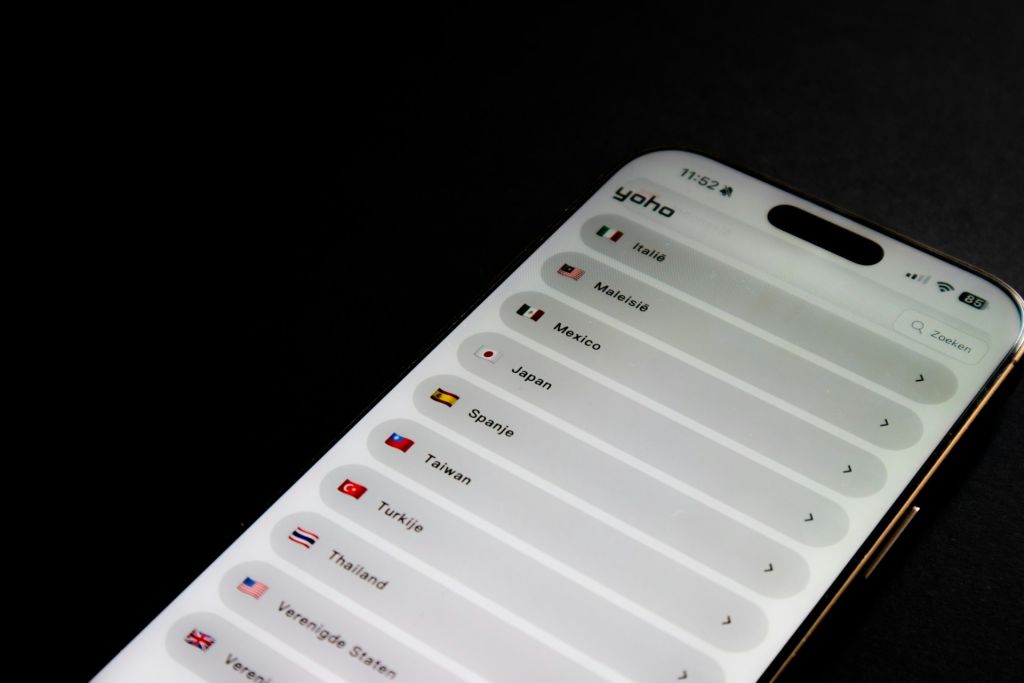
Image Credit: Unsplash under Creative Commons
Frequently Asked Questions
Does a VPN server location affect my internet speed?
Yes. The further away the server is from your physical location, the longer it takes for data to travel back and forth. This increases latency and can reduce overall bandwidth. Choosing a nearby server minimizes this speed loss.
Should I just use the smart connect feature?
For everyday browsing, checking emails, and securing your connection on public Wi-Fi, the smart connect feature is ideal. It automatically calculates distance and server load to give you the fastest available connection.
Can I be tracked if I use a local VPN server?
As long as you are using a trustworthy VPN service with a strict no-logs policy and strong encryption, your internet service provider and the websites you visit cannot track your actual activity or location, even if the VPN server is in your own city.
Why is my ping so high when using a VPN?
High ping is usually caused by connecting to a server that is geographically far away. It can also be caused by connecting to a server that is congested with too many other users. Switching to a closer, less crowded server usually resolves the issue.
Do I need a specific server location for torrenting?
While speed is helpful for torrenting, legal jurisdiction is often more important to users. Many people prefer connecting to servers in countries with relaxed copyright enforcement, such as Switzerland or Mexico, though a strict no-logs policy remains the most vital factor.
How do I bypass sports blackouts with a VPN?
Sports blackouts occur when a local broadcaster owns the exclusive rights to air a game in a specific region. To bypass this, simply connect your VPN to a server in a different state or country where the game is not subject to a local blackout.
Can websites tell I am using a VPN server?
Often, yes. Streaming services and financial institutions maintain databases of known VPN server IP addresses. While they cannot see who you are or what your real IP address is, they can detect that the traffic is originating from a data center rather than a residential internet service provider.
Conclusion
The physical location of your VPN server fundamentally dictates how your connection behaves. The rules of routing and latency cannot be completely bypassed by software. If you prioritize speed, low latency for gaming, and rapid downloads, selecting a server geographically close to your actual location is the only logical choice. Proximity keeps your data close to home, cutting down on transit time while maintaining a secure, encrypted tunnel.
However, the true utility of a virtual private network lies in its flexibility. When your goals shift from pure speed to accessing restricted content, bypassing digital borders, or defending against severe surveillance, physical distance becomes a secondary concern. The minor frustration of a slightly slower connection is easily justified when it grants you an IP address in exactly the country you need. By understanding how distance impacts your connection, you can stop guessing which server to click and start making informed decisions based on what you actually want to do online.




