
How Streaming Services Detect and Block VPNs (Netflix, Disney+, Hulu & More)
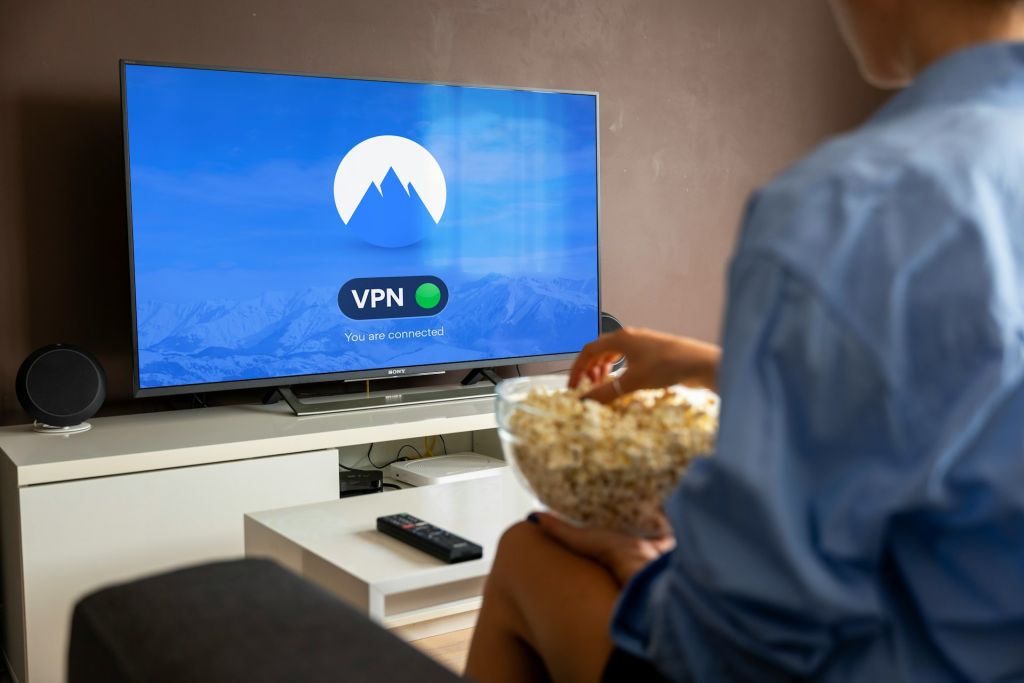
Image Credit: Unsplash under Creative Commons
Picture this: you settle in on the couch, pull up your favorite streaming app, and get ready to watch a show that is only available in another country. You switch on your Virtual Private Network, expecting a seamless experience. Instead, a black screen appears with a frustrating message warning you that an unblocker or proxy has been detected. Your access is completely shut off.
If you have spent any time trying to securely stream movies or television shows, you are likely familiar with this roadblock. The battle between streaming platforms and VPN providers is a high-stakes, highly technical cat-and-mouse game. Platforms like Netflix, Hulu, Amazon Prime Video, and Disney+ invest millions of dollars into cybersecurity measures designed specifically to sniff out and block VPN traffic.
But how exactly do these companies know you are routing your connection through a server in another state or country? They cannot simply look through your computer, so they rely on sophisticated network analysis, behavioral tracking, and massive databases. Understanding the mechanics behind these blocks is the first step to maintaining your privacy and getting the most out of the subscriptions you pay for.
Why Streaming Platforms Care About Your Location
Before looking at the technical methods these companies use to block your connection, it is helpful to understand why they care so much in the first place. You are a paying customer, so why should your physical location matter?
The answer comes down to complex licensing agreements. Streaming giants do not own everything in their digital libraries. When Netflix or Amazon wants to stream a popular movie, they have to purchase the distribution rights from the production studio. Those rights are almost always sold on a country-by-country basis. A platform might hold the exclusive rights to stream a specific sitcom in the United Kingdom, but a completely different broadcasting company might hold the rights to that same show in the United States.
If a streaming platform allows users to bypass geographical borders using a VPN, they are technically violating their multimillion-dollar contracts with the copyright holders. To avoid massive lawsuits from Hollywood studios, streaming companies are contractually obligated to enforce strict geo-blocking measures.
Additionally, advertising plays a massive role. With the recent rise of ad-supported streaming tiers, platforms need to know your exact location to serve you targeted commercials. If a user in Texas is watching Hulu through a server in London, local advertisers are wasting money showing them British commercials. Because of this, many platforms outright ban VPN usage on their ad-supported subscription tiers.
How Streaming Services Detect and Block VPNs
Streaming platforms do not use a single method to identify hidden traffic. Instead, they deploy a layered toolkit of cybersecurity measures. If your connection passes one check, it might trigger an alarm on the next.
IP Address Blocklisting
This is the most common and blunt tool in a streaming company’s arsenal. Every device on the internet is assigned an IP address, which acts like a digital return address. When you connect to a VPN, your actual IP address is masked, and you borrow the IP address of the server you are connected to.
However, commercial VPN providers lease their servers from massive data centers. Streaming platforms routinely purchase lists of IP addresses owned by these data centers from IP intelligence companies. If the system sees that you are trying to log in from an IP address known to belong to a server farm rather than a standard residential internet service provider, your connection is immediately blocked.
Furthermore, streaming algorithms look for impossible user density. If five hundred different accounts attempt to stream a movie from the exact same IP address at the exact same time, the system flags that address as a shared proxy server and blacklists it permanently.
Deep Packet Inspection
Even if your VPN provider manages to secure a clean, unblocked IP address, the actual shape of your internet traffic can give you away. When data travels across the web, it is broken down into small fragments called packets.
Network administrators at streaming companies use Deep Packet Inspection to analyze the metadata attached to these packets. Different VPN protocols, such as OpenVPN or WireGuard, leave highly distinct cryptographic signatures on the data. While the streaming service cannot see what you are doing inside the encrypted tunnel, the firewall can easily identify that the traffic is coming from a VPN tunnel rather than standard web browsing. If they detect those cryptographic signatures, the connection drops.
DNS Leaks and Behavior Analysis
When you type a website name into your browser, your computer uses the Domain Name System to translate that text into a machine-readable IP address. A high-quality VPN routes your DNS requests through its own encrypted servers.
However, lower-quality VPN applications frequently suffer from DNS leaks. This happens when your web traffic goes through the secure tunnel, but your DNS request accidentally routes through your local internet service provider. The streaming platform sees your encrypted connection claiming to be in Canada, but simultaneously sees a DNS request originating from a local provider in Ohio. The contradiction triggers an immediate block.
GPS and Time Zone Mismatches
Streaming on a mobile device is notoriously difficult when using a VPN. Mobile applications have access to hardware data that standard web browsers do not. If you open a streaming app on your smartphone, the app can check the GPS coordinates of the device and compare them against the location of your IP address.
Similarly, the app can read your device’s internal clock. If your IP address suggests you are in Tokyo, but your phone’s system clock is set to Eastern Standard Time, the streaming service knows you are spoofing your location and will display an error message.
Real-World Scenarios: How Different Platforms Handle VPNs
Not all streaming services treat secure connections the same way. Some are relatively forgiving, while others aggressively ban any hint of masked routing.
Netflix
Netflix is famous for the M7111-5059 error code, more commonly known as the proxy error. Netflix utilizes a sophisticated combination of IP blocklisting and Deep Packet Inspection to maintain its digital borders. However, they do not necessarily ban you from the platform if they detect a VPN. Instead, they restrict your library. If Netflix knows your traffic is encrypted, they will often hide all geographically licensed content and only allow you to watch Netflix Originals, which they own the global rights to broadcast.
Hulu and Disney+
Because both platforms are owned by the same parent company, Hulu and Disney+ share a similarly strict approach to network security. Hulu is exclusively licensed for the United States, meaning any attempt to connect from an outside IP address results in a total block. Both platforms rely heavily on residential IP verification. If you attempt to watch Disney+ using a masked connection, you will typically encounter Error 73 or Error 93, stating that suspicious activity was detected and prompting you to confirm your home network.
Live TV and Regional Sports
Services like YouTube TV, Fubo, and regional sports networks are incredibly aggressive regarding location tracking. Because live television involves strict blackout rules for local sports markets, these platforms often cross-reference your television’s network connection with the GPS hardware on your mobile phone. If your phone’s physical location does not match the IP address of your smart television for an extended period, they will force a home area update, locking you out of live broadcasts until you remove the VPN.
Best Practices for Bypassing Streaming VPN Blocks
If you want to maintain your digital privacy without sacrificing your evening entertainment, you need to be strategic about how you configure your network. Standard settings rarely work against modern streaming firewalls.
Choose Dedicated Streaming Servers
The most effective workaround is utilizing a provider that actively maintains dedicated streaming servers. These specialized servers are constantly monitored and refreshed by the VPN provider. When a streaming service identifies and blocks the IP address of one of these servers, the provider immediately swaps it out for a fresh, residential-facing IP address that has not yet been added to commercial blacklists.
Invest in a Dedicated IP Address
When you connect to a standard server, you share that IP address with thousands of other users. That high traffic volume is exactly what triggers automated security blocks. Purchasing a dedicated IP address—a static address assigned exclusively to your account—drastically reduces your digital footprint. Because you are the only person routing traffic through that address, it looks identical to a standard residential internet connection, allowing you to bypass proxy errors entirely.
Utilize Obfuscated Servers
If Deep Packet Inspection is causing your connection to fail, you need to change the shape of your data. Obfuscated servers, sometimes called stealth servers, strip the distinct cryptographic signatures from your connection. They repackage your encrypted data to look like standard HTTPS web traffic. To a streaming platform’s firewall, an obfuscated connection simply looks like a user checking their bank balance or browsing Wikipedia, allowing the data to pass without scrutiny.
Clear Your Browser Cache
Streaming websites store tracking cookies in your browser to remember your preferences and previous locations. If you log into a platform from your home network, turn on your VPN, and then try to load the site again, the platform will read the old tracking cookies and recognize that your location changed instantly. Always clear your browser cache, delete tracking cookies, or use a fresh incognito window before attempting to stream through an encrypted tunnel.
Common Misconceptions About Streaming with a VPN
The complexities of network routing lead to a lot of bad advice on internet forums. Clearing up these misconceptions will save you hours of frustrating troubleshooting.
One major myth is that free VPN applications work just as well as premium paid services. In reality, free providers do not have the financial resources to constantly refresh their IP addresses or engineer obfuscation protocols. Free IP addresses are almost universally blacklisted by major streaming platforms. If you want reliable access, a premium service is a requirement, not a luxury.
Another common misconception is that it is illegal to use a VPN to watch a movie. While bypassing a geo-block absolutely violates the platform’s terms of service—which gives them the right to suspend your account—it is not a criminal offense. You are breaking a corporate rule, not a federal law.
Image Credit: Unsplash under Creative Commons
Frequently Asked Questions
Why does my VPN work for one streaming service but not another?
Different platforms use different security vendors and distinct blocklists. A server that successfully bypasses the firewall on Amazon Prime Video might already be blacklisted by the security team at Hulu. Network security is not standardized across the entertainment industry.
Can a streaming platform ban my account for using a VPN?
Yes, using a proxy or encrypted tunnel violates the terms of service for virtually all major streaming platforms. While it is incredibly rare for a company to completely delete a paying customer’s account for this infraction, they have the legal right to do so.
How do I fix the Netflix proxy error?
First, disconnect from your current server and connect to a different one in the same country. If that fails, clear your browser cookies or open an incognito window. If the error persists, you may need to switch to a provider that offers dedicated IP addresses.
Does a VPN slow down streaming quality?
Encryption requires processing power, and routing your traffic through a remote server adds physical distance to your connection. This overhead naturally slows down your internet speed. However, if your base internet speed is fast enough, a high-quality encrypted connection can still easily handle 4K video without buffering.
Why does my streaming app work on my computer but not my phone?
Mobile applications have direct access to your phone’s GPS hardware and internal system clock. They cross-reference this hardware data with your network location. A web browser on a laptop does not provide GPS data to the website, making it much easier to spoof your location on a computer.
Are smart TVs better for bypassing geo-blocks?
Smart TVs are generally easier to manage because they do not have built-in GPS chips. If you install an encrypted routing application directly on your router, your smart TV will pass through the network block without triggering the location mismatches that plague mobile devices.
Do I need to turn off location services on my device?
If you are streaming on a smartphone or a tablet, turning off your system-level location services and denying the specific app access to your GPS coordinates can sometimes prevent the platform from cross-referencing your physical location with your masked IP address.
Conclusion
The conflict between streaming providers and privacy software is a permanent fixture of the internet. As long as regional licensing contracts dictate how and where media can be consumed, companies will continue to heavily invest in complex security measures to protect their exclusive distribution rights.
By analyzing IP databases, scrutinizing data packets, and tracking hardware location markers, these platforms have made it incredibly difficult to mask your digital footprint. A basic, out-of-the-box encrypted connection is rarely enough to get past a modern firewall.
Successfully securing your streaming traffic requires utilizing specialized tools like dedicated IP addresses, obfuscated servers, and strict cache management. By understanding exactly how these platforms monitor their networks, you can configure your connection to prioritize your privacy without giving up access to the entertainment you pay for.




