
How Much Does a VPN Really Slow Down Your Internet? Real-World Speed Tests

Image Credit: Unsplash under Creative Commons
Every major VPN provider promises “blazing fast speeds” and “zero lag.” It sounds great on a billboard, but it is mathematically impossible. When you encrypt your internet traffic and reroute it through a server halfway across the country, you are adding physical distance and processing overhead to your connection. Speed loss is a guaranteed feature of any secure network.
The real question is not whether a VPN will slow you down, but whether that slowdown is actually noticeable. Over the last few years, the baseline expectations for secure networking have shifted dramatically. Thanks to newer, leaner protocols, the days of accepting a sluggish, buffering connection in the name of privacy are largely over.
If your current setup feels like driving a sports car through a mud pit, something is wrong. Let’s look at the hard data from recent performance benchmarks, break down exactly where your megabits are disappearing, and figure out how to claw them back.
The Real Numbers (No Marketing Fluff)
When you look at massive benchmark tests across dozens of consumer VPNs in 2026, the average speed loss sits right around 20%. If you plug that into a standard home network, a 20% tax is entirely manageable.
However, that average number hides a massive performance gap between top-tier providers and bottom-of-the-barrel free apps. In real-world testing, the fastest premium VPNs on the market consistently keep speed loss under 10%. Under optimal conditions, some top performers have even recorded a microscopic 3% drop on gigabit fiber connections.
On the other end of the spectrum, poorly optimized services routinely slash bandwidth by over 60%. If a provider crams too many users onto a cheap, low-capacity server, your speeds will completely crater regardless of how fast your home Wi-Fi happens to be.
What Actually Eats Your Bandwidth?
If your speeds are tanking, the blame usually falls on one of three major technical hurdles. Understanding how these factors interact is the key to optimizing your setup.
The Protocol Problem
The protocol is the set of instructions your device uses to talk to the VPN server. Right now, your choice of protocol dictates your speed more than almost any other setting.
For years, OpenVPN was the industry standard. It is highly secure but incredibly bulky. The codebase is massive, requiring significant processing power to encrypt and decrypt your data. When running OpenVPN over a TCP connection, users regularly see speed drops hovering around 58%.
Then came WireGuard. Built from scratch to be highly efficient, WireGuard operates natively inside the operating system kernel and utilizes a fraction of the code. The performance difference is staggering. In head-to-head benchmarking, WireGuard consistently beats OpenVPN speeds by significant margins, often retaining over 85% of baseline connection speeds. If your app defaults to an older protocol, switching to WireGuard or a proprietary WireGuard clone is the fastest way to instantly double your throughput.
The Distance Penalty
Physics is completely undefeated. Data takes time to travel through fiber-optic cables. If you live in London and connect to a server in Manchester, the data only travels a few hundred miles. You might see a 5% to 8% drop in speed.
If you live in London and route your traffic through a server in New York to watch American television, your data is crossing the Atlantic Ocean twice for every single request. That international jump can easily drop your speeds by 35% to 50%. Distance directly impacts latency, which is the time it takes for a server to respond to your click. High latency is what makes web pages feel sticky and causes fast-paced video games to lag excessively.
Encryption Overhead
Scrambling your data into unreadable ciphertext takes processing power. Your laptop or smartphone has to mathematically lock the data before sending it, and the remote server has to unlock it upon arrival. While modern processors handle 256-bit encryption without breaking a sweat, this computational overhead still adds a slight delay to the process. Stronger encryption requires more processing power, which naturally shaves a few megabits off your top speed.
How Your Baseline Speed Changes the Math
Looking strictly at percentages can be misleading. The actual impact of a VPN depends heavily on the internet speed you pay your Internet Service Provider for in the first place.
If you are running a 1 Gbps fiber-optic line and your VPN eats 30% of your bandwidth, you are left with 700 Mbps. You will literally never notice that drop. For context, streaming a 4K movie on Netflix only requires about 15 Mbps. You could stream four movies simultaneously and still not feel the bottleneck.
But if you live in a rural area and rely on a 20 Mbps DSL line, that exact same 30% loss leaves you with 14 Mbps. Suddenly, your high-definition video starts buffering, and file downloads crawl to a halt. The faster your underlying connection, the more speed loss you can absorb before it impacts your daily browsing. Your VPN will never be faster than your baseline connection, so maximizing your home network is always step one.
Can a VPN Ever Speed Up Your Internet?
It sounds completely counterintuitive, but there is one specific scenario where routing your traffic through an encrypted tunnel actually results in a faster connection.
Internet Service Providers frequently engage in bandwidth throttling. If their network is congested, they will selectively slow down data-heavy activities. They might throttle Netflix traffic on a Friday night, or choke off peer-to-peer file sharing during peak hours.
Because a VPN encrypts your traffic, your ISP can no longer see what you are doing. They cannot tell if you are downloading a massive torrent file or simply reading a secure corporate email. Since they cannot categorize the traffic, they cannot selectively throttle it. If you routinely experience massive slowdowns only when using specific websites or applications, turning on your VPN might actually restore your speeds to their normal baseline.
How to Run a Proper Speed Test
Do not rely on how fast a webpage “feels.” If you want to know exactly what your privacy software is costing you, you need to run a controlled A/B test.
First, disconnect the VPN completely. Close out any background applications that might be downloading updates, and run a test using a reliable site like Speedtest.net. Note your download speed, upload speed, and ping. This is your raw baseline.
Next, open your VPN application and connect to the server geographically closest to your physical location. Make sure the app is set to use the WireGuard protocol. Run the test three times and average the results.
Finally, connect to a server in a different country and run the test again.
To calculate your actual speed loss, subtract your VPN speed from your baseline speed. Divide that number by your baseline speed, and multiply by 100. If the result on your local server is under 20%, your setup is performing beautifully. If you are losing more than 40% on a local connection, it is time to dig into your settings or consider switching providers entirely.
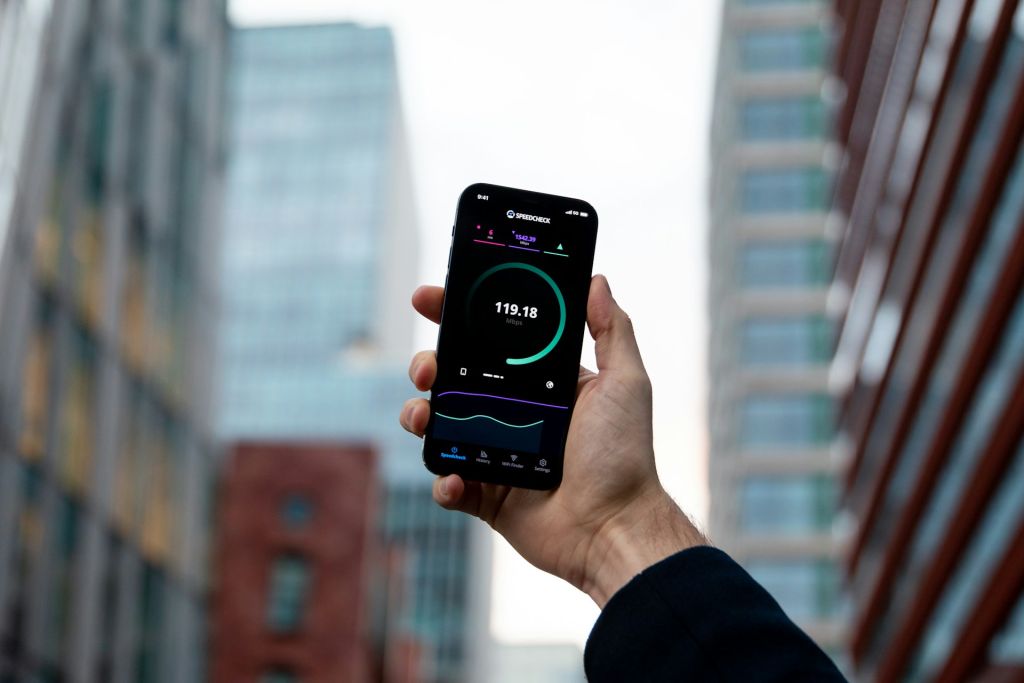
Image Credit: Unsplash under Creative Commons
Frequently Asked Questions
Why did my VPN suddenly get so slow today?
Servers have finite bandwidth. If a specific server gets congested with too many users during peak evening hours, speeds will plummet for everyone connected. Simply disconnecting and choosing a different server in the same city is usually enough to fix a sudden drop in performance.
Is WireGuard always faster than OpenVPN?
In almost all consumer testing, yes. WireGuard was built specifically for speed and efficiency, beating OpenVPN by 30% to 45% in standard speed benchmarks. Unless you are working with a legacy corporate network that specifically requires OpenVPN, WireGuard should be your default choice.
Do free VPNs slow down my internet more than paid ones?
Absolutely. Free services cannot afford to maintain massive server networks. They pack thousands of non-paying users onto a handful of servers, creating a massive digital traffic jam. Furthermore, many free providers intentionally throttle your bandwidth to force you into upgrading to their premium tiers.
Will a VPN lower my ping for gaming?
Usually, no. A VPN adds an extra stop on your data’s journey, which inherently increases ping. However, if your ISP has terrible routing to a specific game server, a VPN might occasionally take a more direct route, marginally improving latency. This is rare, and competitive gamers generally play with their VPNs turned off.
Does using a double VPN feature make things slower?
Yes, significantly. Multi-hop or double VPN features route your traffic through two separate encrypted servers before sending it to the web. While this provides an incredible amount of privacy, it doubles the encryption overhead and the physical distance, leading to heavy speed reductions.
Can using Wi-Fi instead of Ethernet affect my VPN speed?
Wi-Fi signals are subject to interference, physical barriers, and network congestion. If you are testing your VPN over a weak Wi-Fi signal, the bottleneck might be your router, not the software. Plugging your laptop directly into the router via an Ethernet cable provides a much more stable baseline for secure connections.
The Bottom Line
Accepting a slight drop in internet speed is the price of admission for digital privacy. The math is unavoidable: encryption requires processing power, and rerouting traffic requires traversing physical distance.
However, you should not be settling for a connection that constantly buffers or times out. The landscape has changed, and a 20% speed drop is now considered the industry average. By sticking to lightweight protocols like WireGuard, choosing servers in close geographic proximity, and paying for high-quality network infrastructure, you can secure your daily browsing without ever noticing that the software is running in the background.




