
OpenVPN Advanced Setup: Port Forwarding, TLS Auth, and Optimization
OpenVPN is like an old, reliable off-road vehicle. Not the fastest on the highway, not the prettiest, but it’ll get you through terrain that newer tools sometimes struggle with. The problem? Most people drive it with the parking brake half on.
If your OpenVPN setup “works” but feels slow, fragile, or oddly temperamental, you’re probably missing three things: proper port forwarding, TLS authentication hardening, and protocol-level optimization. This article focuses on exactly that. No beginner fluff. No default configs passed off as best practice.
By the end, you’ll understand why OpenVPN behaves the way it does—and how to make it behave better.
Why Advanced OpenVPN Setup Still Matters
WireGuard gets a lot of love. Fair enough. But OpenVPN still dominates in places where:
Firewalls are aggressive
Corporate networks inspect traffic
Legacy systems won’t budge
Flexibility beats elegance
OpenVPN’s strength is its configurability. Its weakness is… also its configurability.
Handled well, it’s rock solid. Handled lazily, it’s slow, noisy, and easier to poke at than it should be.
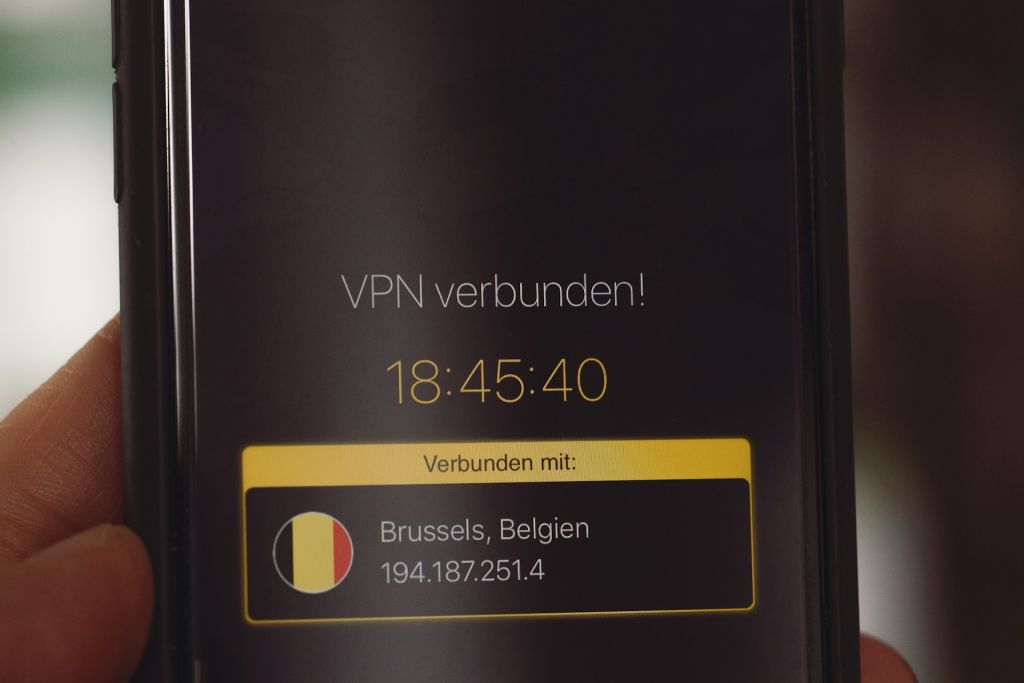
Image Credit: Unsplash under Creative Commons
The Mental Model You Need (Before Touching Configs)
Here’s the mistake many people make:
They treat OpenVPN like a single feature.
It isn’t.
OpenVPN is really four systems stacked together:
Transport layer (UDP/TCP, ports, NAT traversal)
TLS control channel (authentication and key exchange)
Data channel (encryption, compression, MTU behavior)
Routing layer (what traffic goes where)
Optimization means touching each layer deliberately, not randomly tweaking one knob and hoping for magic.
Port Forwarding: More Than “Open a Port”
Let’s start with the most misunderstood part.
What Port Forwarding Actually Does
Port forwarding tells your router:
“When traffic hits this port from the internet, send it here.”
Without it:
Incoming VPN connections die at the router
NAT has no idea where to send packets
Clients hang or timeout
Choosing the Right Port (Stop Using 1194 Blindly)
Yes, 1194/UDP is the OpenVPN default.
No, it’s not always the best choice.
When to change ports:
ISP throttles or blocks known VPN ports
You’re behind restrictive firewalls
You want to blend in with normal traffic
Common alternatives:
443/TCP– looks like HTTPS53/UDP– resembles DNS (use carefully)High random UDP port – avoids naive filtering
Trade-off insight:
TCP 443 improves reachability but hurts performance due to TCP-over-TCP meltdown. Use it only when UDP is blocked.
Port Forwarding Checklist (Router Side)
On your router:
External Port: chosen OpenVPN port
Internal IP: VPN server’s LAN IP
Internal Port: same as OpenVPN listen port
Protocol: UDP (unless explicitly using TCP)
Miss any of these, and debugging becomes theater.
TLS Authentication: Your First Real Security Upgrade
If you do only one advanced thing, do this.
What TLS Auth Actually Protects Against
OpenVPN’s control channel is visible to the internet. Without protection, attackers can:
Flood it with garbage packets
Probe for vulnerabilities
Trigger CPU-heavy handshakes (DoS-style)
TLS authentication adds a static, pre-shared key that must be present before the TLS handshake even starts.
No key? Packet dropped silently.
Why This Matters in the Real World
Think of TLS auth as a bouncer outside the club.
Without it, anyone can line up and knock.
With it, only people with a wristband even reach the door.
Generating a TLS Auth Key
On the server:
Protect this file. Treat it like a master key.
Server Configuration (TLS Auth)
Add to server config:
Client Configuration
On the client:
That direction flag matters. Get it wrong and nothing connects.
TLS Auth vs TLS Crypt (Which Should You Use?)
tls-auth: authenticates control channel packets
tls-crypt: authenticates and encrypts control channel
If your OpenVPN version supports tls-crypt, use it. It hides metadata and reduces fingerprinting.
Cleaner. Quieter. Better.
Encryption Choices: Strong Is Good, Smart Is Better
Many configs scream security while quietly kneecapping performance.
Common Mistake
Secure? Yes.
Efficient? Not always.
Smarter Defaults (Modern CPUs)
If your system supports AES-NI:
Why?
GCM is faster
Authenticated encryption
Fewer processing steps
More security doesn’t mean piling on algorithms. It means choosing appropriate ones.
Compression: Just Don’t (Seriously)
Old guides still recommend compression.
Stop.
Compression over VPNs introduces:
Security risks (VORACLE-style attacks)
Marginal speed gains at best
Debugging nightmares
Disable it explicitly:
On both server and client.
No nostalgia. No exceptions.
MTU and Fragmentation: The Silent Performance Killer
If OpenVPN feels fast sometimes and awful other times, MTU is often the culprit.
What’s Happening
Packets too large for the path get fragmented or dropped. VPN overhead makes this worse.
Symptoms
Random stalls
Web pages partially loading
SSH freezing inside VPN
Practical Fix
Start conservative:
Then test.
Lower incrementally if issues persist.
MTU tuning is boring—but boring fixes real problems.
UDP vs TCP: A Blunt Truth
OpenVPN works over both. Only one is ideal.
UDP (Preferred)
Faster
No retransmission storms
Designed for tunneling
TCP (Last Resort)
Works in restrictive networks
Slower under packet loss
Can collapse under load
Rule:
Use UDP unless you are forced into TCP. Convenience is not a reason.
Multi-Client Scaling: Avoid the Hidden Traps
OpenVPN scales well—but not accidentally.
Use Client-Specific Configs
Enable:
This allows:
Per-client routing
Access restrictions
Clean IP management
Without it, everything becomes shared and messy.
Logging: Enough to See, Not Enough to Drown
Default logging is either too loud or too quiet.
Recommended:
This gives you:
Connection info
Errors
Minimal noise
Higher verbosity is for debugging sessions, not daily operation.
A Short Scenario (Because This Happens)
I once inherited an OpenVPN server that “worked fine” but dropped connections every evening. The cause? TCP mode + packet loss + ISP congestion. Switching to UDP fixed it instantly. No encryption changes. No hardware upgrades. Just understanding the transport layer.
Most OpenVPN problems aren’t mysterious. They’re layered.
Firewall Rules: Explicit Beats Implicit
On the server:
Allow OpenVPN port
Allow established connections
Drop everything else
Don’t rely on defaults. Firewalls should read like contracts, not poetry.
Common Advanced Mistakes (Seen Too Often)
Running TCP without necessity
Using compression “just in case”
Skipping TLS auth
Overloading encryption settings
Ignoring MTU entirely
Exposing management interfaces publicly
OpenVPN doesn’t punish you immediately. It waits. Then it fails at the worst time.
FAQ (Advanced Edition)
Does TLS auth replace certificates?
No. It supplements them. Certificates still handle identity. TLS auth handles noise and abuse.
Can I run OpenVPN on port 443 safely?
Yes, but expect lower performance. It’s a compatibility move, not an optimization.
Is OpenVPN still secure in 2026?
Yes—when configured correctly. Most breaches come from bad ops, not protocol flaws.
Should I switch to WireGuard instead?
If you can. If you can’t, OpenVPN remains extremely capable when tuned properly.
The Big Takeaways
Port choice affects reachability and speed
TLS auth is non-negotiable for exposed servers
Compression is a liability
MTU tuning fixes “random” issues
UDP is king unless blocked
Good configs are intentional, not inherited
Final Thought
OpenVPN rewards people who respect its layers.
Treat it like a checkbox feature, and it’ll limp along. Treat it like a system—with transport, control, data, and routing working together—and it becomes boringly reliable. And in networking, boring is a compliment.
If your OpenVPN setup has been “good enough,” maybe it’s time to make it correct.